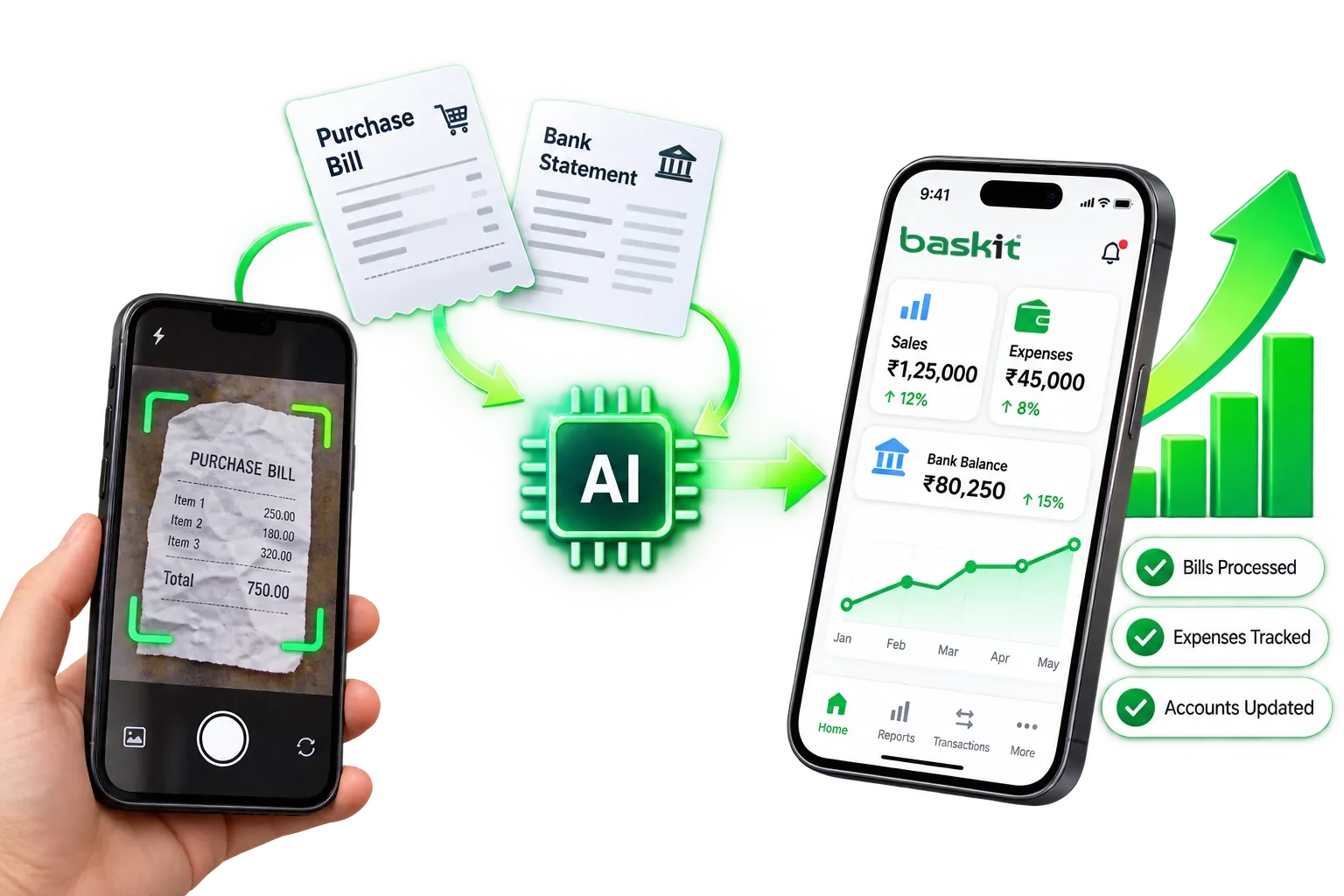
Stop typing bills into the computer. Take a picture, let Baskit's AI prepare the entry, check it and finalize - without ever leaving your phone.
Open Baskit on your phone and snap the purchase bill, expense bill or bank statement.
Baskit's AI reads the document and fills in the entry - supplier, items, amounts and tax.
Check every line on your phone. Correct anything the AI got wrong with a tap.
Tap finalize. Only now is the entry saved - and stock, expenses and accounts update instantly.
Supplier, items, quantities, rates and GST are read from the bill.
Rent, electricity, transport and other expense bills become expense entries.
Statement transactions are read so your books match your bank.
The AI only prepares a draft. Your stock and accounts change only when you finalize.
Every field in the draft can be edited on the phone before you finalize.
Snap, review and finalize in one place - no emailing photos to a PC.
Many apps let you scan a bill on the phone - but checking and posting the entry still happens on a computer. Baskit keeps every step on your phone.
| Step | Baskit | Typical software |
|---|---|---|
| Take the picture | Phone | Phone or scanner |
| Review the AI draft | Phone | PC |
| Correct mistakes | Phone | PC |
| Finalize / post the entry | Phone | PC |
| When stock & accounts update | The moment you finalize | When someone gets to the PC |
Use good light and avoid shadows on the bill.
Keep the whole page inside the frame.
Lay the bill flat - smooth out folds and creases.
One bill per photo for the cleanest draft.
No. You take the picture, review the draft and finalize it all on your phone.
Nothing is saved until you finalize. You see the full draft on your phone first and can correct any field before saving.
Purchase bills, expense bills and bank statements. It prepares the entry so you don't have to type it.
The entry is saved and your stock, expenses and accounts update straight away - on every device, in real time.
Book a free demo and watch Baskit turn a purchase bill into an entry - on a phone.
Get a personalized walkthrough of Baskit and see how it can simplify your business.
Free personalized demo • Quick setup • Expert guidance